
9 Reasons to Choose Our Free VPS Accessible from Android Devices
Access and manage your VPS from any Android device using SSH apps, RDP clients, or web-based control panels.
Control your server from anywhere using your smartphone or tablet. Deploy apps, monitor resources, and manage files remotely.
Run applications, bots, game servers, and websites 24/7 without keeping your Android device powered on.
Complete control with root/administrator access. Install any software, configure settings, and customize your server environment.
Perfect for hosting game servers, Discord bots, Telegram bots, and other automated applications that run continuously.
Lightning-fast NVMe SSD drives ensure your applications run smoothly with minimal latency.
Choose from 29 strategic locations worldwide for optimal performance and low ping to your applications.
Expert support team available round the clock to help with setup, configurations, and any technical issues.
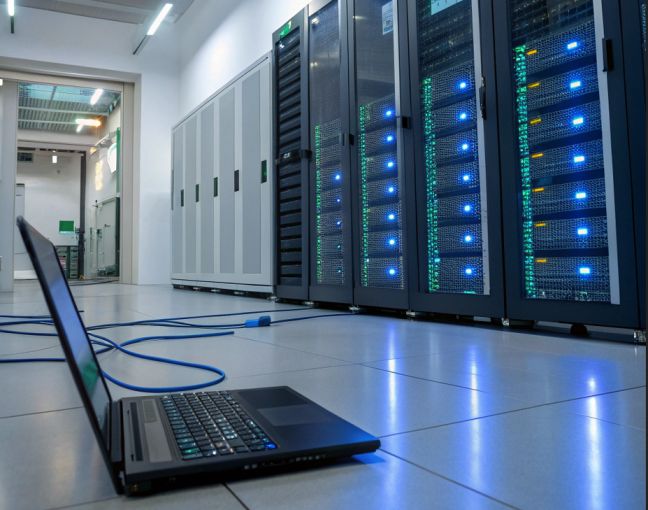
A VPS gives your Android device unlimited power. Run resource-intensive applications, host game servers, and execute automated tasks 24/7 without draining your phone's battery. Access your cloud server anytime with SSH clients, RDP apps, or web-based control panels directly from your Android smartphone or tablet.
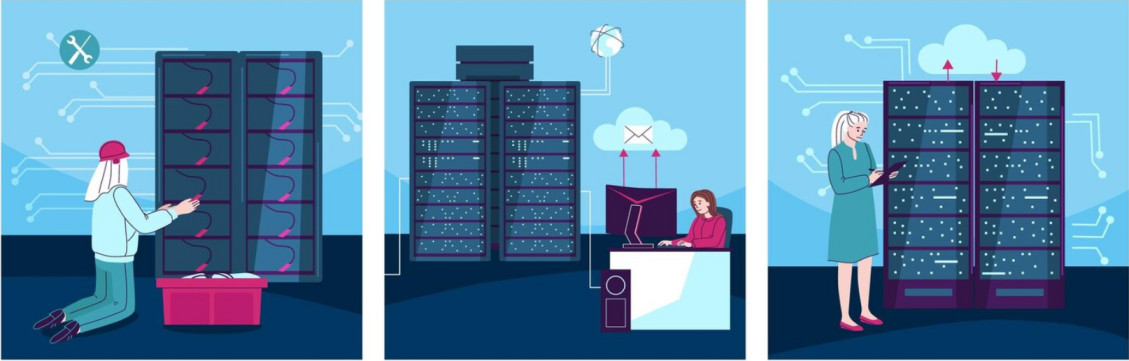
Host Discord bots, Telegram bots, game servers, web scrapers, cryptocurrency nodes, and more. Your VPS runs continuously even when your Android device is offline or turned off.
Try our Android-compatible VPS free for 30 days and experience cloud computing from your mobile device.
VPSWALA's VPS is fully manageable from Android. Use popular apps like JuiceSSH, Termux, Microsoft Remote Desktop, or ConnectBot to access your server. Monitor resources, deploy applications, and manage files all from your pocket.
Choose the perfect VPS plan accessible from your Android device. All plans include full root access and 24/7 support.
Common questions about accessing VPS from Android devices
You can access your VPS from Android using SSH clients (like JuiceSSH, Termux), RDP apps (like Microsoft Remote Desktop), or web-based control panels. We provide detailed setup guides for popular Android apps.
You can host Discord bots, Telegram bots, game servers (Minecraft, CS:GO), websites, web scrapers, cryptocurrency nodes, automated trading bots, and any other application that requires 24/7 uptime.
No! That's the beauty of VPS. Your server runs independently in the cloud 24/7. You only need your Android device when you want to check on or manage your server.
We offer Windows Server (2019/2022) and various Linux distributions (Ubuntu, CentOS, Debian, Fedora). Both can be fully managed from your Android device.
Yes, our free trial is 100% free with credit card required. You get full access to all features for 30 days to test our service from your Android device before making any commitment.
For Linux VPS: JuiceSSH, Termux, ConnectBot. For Windows VPS: Microsoft Remote Desktop, RD Client. For web management: Chrome, Firefox mobile browsers work perfectly with our control panel.
Absolutely! With full root/administrator access, you can install any software, scripts, or applications. You have complete control over your VPS environment.
Very secure. We use encrypted SSH connections, SSL/TLS for web access, and recommend apps that support key-based authentication. Your data is protected with bank-level security.
Yes! You can upgrade your VPS plan anytime as your needs grow. All your data, configurations, and applications will be preserved during the upgrade process.
Yes, we offer 24/7 technical support via ticket system and live chat. Our team can help with initial setup, Android app configuration, and any technical issues you encounter.


